
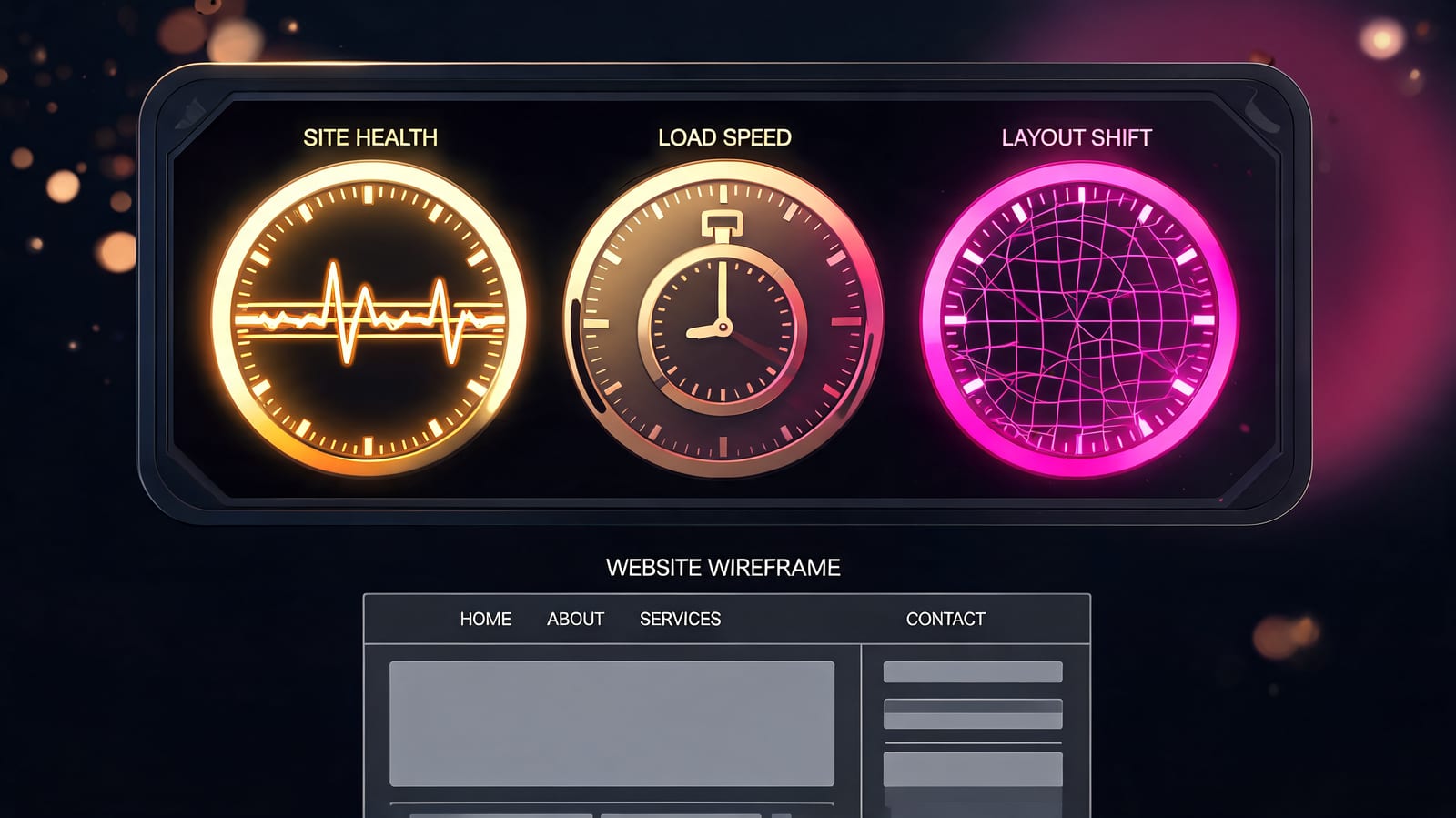
Core Web Vitals are three metrics Google uses to measure real-world page experience: LCP (how fast the main content loads), INP (how quickly the page responds to interaction), and CLS (how much the layout jumps around). They're a confirmed ranking signal, but a light one — closer to a tiebreaker between comparably good pages than a lever that lifts weak content.
The three metrics and their thresholds
| Metric | What it measures | Good | Needs work | Poor |
|---|---|---|---|---|
| LCP — Largest Contentful Paint | Time until the biggest visible element (usually the hero image or headline block) has rendered | ≤ 2.5s | 2.5–4.0s | > 4.0s |
| INP — Interaction to Next Paint | How long the page takes to visually respond after a tap, click, or key press — across the whole visit, not just the first one | ≤ 200ms | 200–500ms | > 500ms |
| CLS — Cumulative Layout Shift | How much content moves unexpectedly while loading. Unitless score | ≤ 0.1 | 0.1–0.25 | > 0.25 |
INP replaced the older First Input Delay metric in March 2024, and the swap made the assessment considerably harder to pass. FID measured only the delay before the browser started processing your first interaction. INP measures the full round trip to a visible update, on every interaction in the session, and reports near the worst of them. Sites that comfortably passed FID often failed INP without changing a line of code — the metric got honest, not the site slower.
Field data vs lab data (the distinction that causes most confusion)
You'll get two different verdicts on the same page and they're both correct.
Lab data — Lighthouse, the PageSpeed Insights "Diagnose performance issues" section. A simulated load, on a simulated device, on a simulated connection. Reproducible, instant, and useful for debugging because it tells you what is slow.
Field data — the Chrome User Experience Report (CrUX), collected from real Chrome users who opted in. This is what Google uses for ranking. It reflects your actual visitors' phones and networks.
Two consequences worth internalising:
- Your Lighthouse score is not a ranking factor. The 0–100 performance number is a lab diagnostic. Chasing 100 while field data still fails is a common and expensive detour.
- Assessment is at the 75th percentile. A page passes when 75% of real visits meet the "good" threshold — mobile and desktop assessed separately. So you can't average your way out: a fast experience for most users and a terrible one for the slowest quarter is a fail.
Field data also lags. CrUX reports on a rolling 28-day window, so a fix deployed today won't be fully reflected for about a month. Deploy, then wait, then judge.
Does page speed actually affect rankings?
Yes — and much less than the amount of effort typically spent on it.
Google confirmed page experience as a ranking input and has been consistent about its weight ever since: it helps when other things are equal, and it does not compensate for content that doesn't answer the query. The relevance of your page and the authority behind it are doing the heavy lifting; Core Web Vitals adjust the margins.
You can watch this play out in any competitive SERP. Slow, bloated pages on strong domains routinely outrank fast, lean pages on weak ones. If speed were a major factor, that wouldn't happen — and it happens constantly.
Where this leaves you practically:
- Moving from "poor" to "good" is worth doing. That's a genuinely bad experience becoming a fine one, and there's a real signal in it.
- Moving from "good" to "excellent" is almost never the best available use of the same hours. A page already passing gains little from getting faster.
- If your pages are fast and still not ranking, speed was never the problem. That's a relevance or authority question — why content gets no traffic from Google covers the usual suspects.
Where speed genuinely pays off (and it isn't rankings)
The ranking argument is the weakest case for performance work. Three stronger ones:
Conversion and bounce. Every second before your content appears is a second a visitor can leave, and this effect is direct rather than mediated by an algorithm. A faster page earns more from the same traffic — no ranking change required.
Crawl capacity. Googlebot throttles itself based on your server's response times. Faster responses raise the ceiling on how much it will fetch per session, which matters on large sites. This is a server-response effect rather than a front-end one, and it's covered in more detail in what crawl budget is.
AI and agent readability. Answer engines and autonomous agents parse pages under time limits and often without executing much JavaScript. A page whose content only appears after several seconds of client-side rendering can be effectively invisible to them, regardless of how it scores in Lighthouse. Server-rendered HTML that contains the actual answer is the version that gets quoted.
How to fix each one
LCP — usually an image or a server problem.
- Serve the hero image in a modern format (WebP/AVIF), correctly sized, with
fetchpriority="high" - Never lazy-load the largest above-the-fold element — a startlingly common own goal
- Preconnect to critical third-party origins; preload the LCP resource
- Cut server response time (TTFB): caching, a CDN, fewer blocking database calls
- Eliminate render-blocking CSS and fonts in the critical path
INP — almost always JavaScript.
- Break long tasks into smaller chunks so the main thread can respond between them
- Defer or remove third-party scripts, which are the usual culprits — chat widgets, tag managers, analytics stacks, consent banners
- Give visual feedback immediately on interaction, then do the heavy work
- Audit what actually runs on click; a single unnecessary re-render of a large component can blow the 200ms budget on its own
CLS — nearly always fixable in an afternoon.
- Set explicit
widthandheight(oraspect-ratio) on every image, video, iframe and ad slot - Reserve space for anything injected after load — banners, cookie notices, embeds
- Use
font-display: optionalor preload fonts to avoid text reflowing when a webfont swaps in - Never insert content above existing content unless the user asked for it
How to measure
- Search Console → Core Web Vitals — your real field data, grouped by URL pattern. This is the report that matters; the others are for diagnosing what it tells you.
- PageSpeed Insights — field and lab data for a single URL side by side.
- Chrome DevTools → Performance / Lighthouse — for finding the specific long task or layout shift.
- The Web Vitals Chrome extension — live readings as you browse your own site.
Google's Core Web Vitals documentation is the authoritative reference for current thresholds, which have changed before and will change again.
When to stop
A reasonable stopping rule: get every template out of "poor," get the pages that make you money into "good," then leave it alone and go work on something with a higher ceiling.
For most sites, that higher-ceiling work is content and links. A page that loads in 1.2 seconds and answers the question badly loses to one that loads in 2.4 seconds and answers it well — and among pages that both answer it well, the winner is usually the one with more sites vouching for it. That's the part performance work can't substitute for, and the reason Backlinkster matches site owners for verified 1-for-1 in-content link swaps: technical health gets you eligible to compete, links are what decide the outcome.
Frequently asked questions
Are Core Web Vitals a ranking factor? Yes, as part of Google's page experience signals — but a minor one. Google has repeatedly stated that page experience does not override content relevance. Treat it as a tiebreaker between otherwise comparable pages.
Does page speed affect SEO rankings? Directly, a little. Indirectly, more: speed affects crawl capacity, conversion rate, and whether AI systems can parse your page in time. Going from genuinely slow to acceptable is worth the work; going from fast to faster rarely changes rankings.
What's a good Lighthouse score? Lighthouse scores aren't used for ranking at all. Use them to find problems, then judge success on the field data in Search Console. A page can score 100 in Lighthouse and still fail Core Web Vitals for real users on real phones.
Why did my INP get worse when nothing changed? INP replaced First Input Delay in March 2024 and measures far more — every interaction through the whole visit, and the full time to a visible update. Many sites failed the new metric with no change to their code.
How long until Core Web Vitals improvements show up? Field data uses a rolling 28-day window, so allow roughly a month after deploying a fix before the reported numbers settle. Lab tools reflect the change immediately, which is why they're the right tool for verifying the fix worked.
Do Core Web Vitals matter for AI search? Not as a scored metric. What matters is whether your content is present in the served HTML and readable quickly — AI crawlers and agents often don't wait for client-side rendering. That's a rendering-strategy question more than a speed one.
The bottom line
Core Web Vitals are three well-defined metrics with published thresholds, measured on real users at the 75th percentile, and they are a real but small ranking input. Fix the poor pages, set image dimensions, cut the third-party JavaScript, and confirm the change in Search Console's field data a month later. Then stop — because past "good," the next ranking improvement almost certainly isn't a performance one.
Related: What is crawl budget? · Why content gets no traffic from Google · Why is my website not showing up on Google? · SEO practices to avoid · The first thing to do before SEO · What is schema markup in SEO? · Is HTTPS a ranking factor? · What is mobile-first indexing?