
Rank in the conventional organic results for the query and the questions around it, then make the answer easy to lift: a direct 40–60 word passage under a heading that matches how people ask. Google states there is no special markup, file or format that gets you into AI Overviews — inclusion runs on core Search ranking and quality systems.
The one thing Google has actually said
Google's AI features and your website guidance is unusually blunt for a Search document. Its position is that AI Overviews and AI Mode are built on the same ranking and quality systems as the rest of Search, so the SEO work that earns you a normal listing is the work that earns you a citation.
It also names three things people try that do not help:
- No AI-specific markup or files are required. There is no tag, no schema type, no
llms.txtvariant that Google reads for this. (llms.txthas other uses — see what is llms.txt — but Google is not the audience.) - Do not chop your content into fragments for AI. Normal headings and paragraphs are what the systems expect.
- Do not write a separate version of a page "for AI." Google explicitly ties that practice to its scaled content abuse spam policy.
That leaves a narrower, more honest playbook than most advice on this topic admits. Everything below is either a ranking input, a snippet control, or a clarity decision.
Step 1 — Be retrievable in the first place
AI Overviews draw on pages Google can already rank. If a page is not indexed, or sits far outside contention for the query, it is not a candidate.
The unglamorous prerequisites:
| Requirement | Why it gates you |
|---|---|
| Page is indexed | Nothing unindexed is retrievable |
| Renders without JavaScript gymnastics | Content that only appears after four frameworks load may not be seen |
| Competitive on the target query | Citations skew heavily toward pages already ranking well for it |
Not blocked by nosnippet |
See step 3 — this one silently excludes you |
If your page is not in the index yet, start at how to get your website indexed by Google. Ranking contention is the harder half, and it is ordinary SEO: relevance, content quality, and links.
Step 2 — Cover the fan-out, not just the query
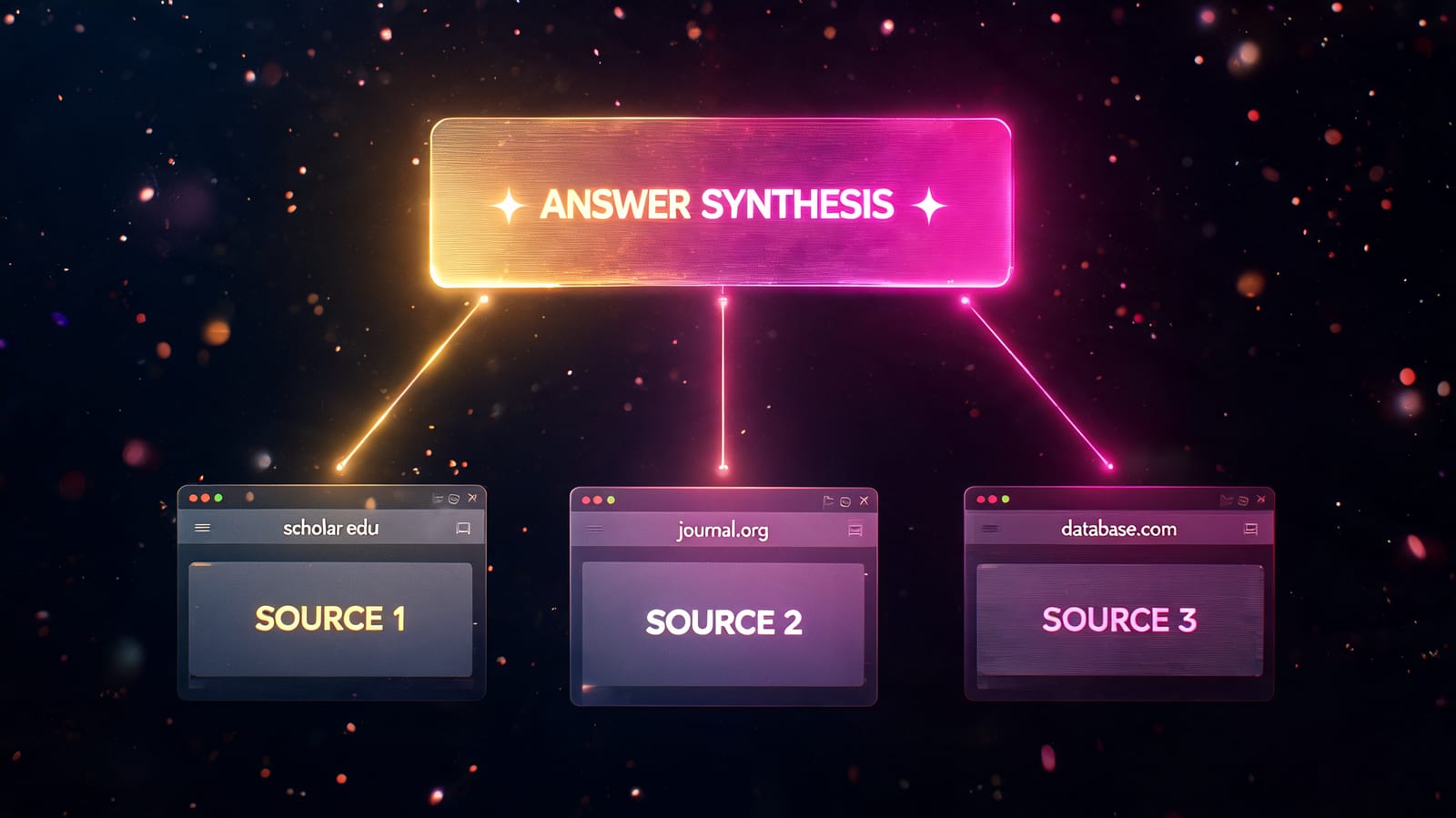
The single most useful mental model here is query fan-out. Google's AI features do not run only the query the user typed. They generate a set of related queries under the hood, retrieve results for each, and synthesise across all of them.
Google's own worked example: someone asking how to fix a lawn triggers concurrent searches about herbicides, chemical-free weed removal, and prevention. The overview is assembled from all of those retrievals.
Two consequences follow, and they change how you plan content:
One page per keyword is the wrong unit. The fan-out queries are the neighbouring questions, and each one is a separate retrieval you can either be present for or absent from. A site that covers a topic properly gets pulled in repeatedly; a site with one thin page on the head term gets pulled in once, if at all.
Topical coverage beats exact-match phrasing. Google's systems handle synonyms and semantic equivalence perfectly well. Writing five near-identical pages for five phrasings of the same question splits your authority and risks keyword cannibalization — build a topic cluster instead.
Practically: before writing, list the five to ten questions a reader would ask next. Make sure your site answers each one somewhere, and link them together.
Step 3 — Check you have not opted yourself out
This is the one genuinely technical lever, and it is the one people most often trip over.
AI Overviews respect the standard snippet controls. If a page carries nosnippet, or a block is wrapped in data-nosnippet, that content is not eligible to appear in an overview. A restrictive max-snippet value limits it too. Sites that added these tags years ago to stop scrapers are sometimes still carrying them, and are quietly excluded from AI Overviews as a result.
<!-- Excludes this page's text from snippets AND AI Overviews -->
<meta name="robots" content="nosnippet">
The counterpart confusion is worth clearing up as well: Google-Extended does not control AI Overviews. That token governs Gemini app and Vertex AI grounding usage. Disallowing it does not remove you from AI Overviews, and allowing it does not get you in — AI Overviews are served through ordinary Google Search crawling. Blocking Googlebot is what removes you, along with everything else.
More on the file itself in what is a robots.txt file.
Step 4 — Write the passage so it can be lifted
Once you are a candidate, the question becomes whether your page contains a passage worth quoting. This is the same discipline that wins featured snippets, and the overlap is not a coincidence.
Four rules that do the work:
- Answer in the first two sentences, under a heading that matches the question. Not after a paragraph of context-setting.
- Keep the answer self-contained. Read it in isolation. If it needs the sentence above it to make sense, it cannot be extracted.
- 40–60 words. Long enough to be complete, short enough to sit in an answer box.
- Give the specifics. Numbers, dates, named sources, concrete steps. A passage that says "results vary" is not quotable; one that says "typically four to twelve weeks, depending on crawl frequency" is.
Then structure the rest for skimming: descriptive H2s phrased as the questions people ask, short paragraphs, tables for comparisons, numbered lists for processes. How to get a featured snippet goes deeper on the passage craft.
Step 5 — Earn the trust signals
Google's guidance leans hard on E-E-A-T for AI features, and there is no shortcut in it.
- Name a real author with real credentials, and give them a bio.
- Show first-hand experience — your own data, tests and examples beat a rewrite of the top three results.
- Cite sources and link out to them. This costs you nothing and it is how a claim becomes checkable.
- Date the page and keep it current. Stale pages lose to fresh ones on topics that move.
What is E-E-A-T in SEO covers how these signals are actually assessed. The link side of the same trust picture is ordinary authority work — real editorial links from real sites, which is what Backlinkster exists to arrange through one-for-one in-content swaps, verified live by API. Five swaps a month on the free plan; see the plans.
What you cannot measure
Set expectations before you start, because the reporting is genuinely thin.
Search Console has no AI-specific report. Clicks and impressions from AI Overviews are folded into the standard Web search type alongside everything else — you cannot isolate them there. There is no "AI Overview position" metric, and no confirmation that you were cited on any given query.
That leaves two honest options: run your priority queries manually and log what you see, or use a third-party AI-visibility tracker. Either way, treat the numbers as directional. How to track AI search traffic sets out the full measurement stack, including the platforms where referral data does exist.
Also worth accepting up front: an AI Overview often answers the question outright, so being cited can mean visibility without a click. The value is the mention, and the click-through when the reader wants depth.
Frequently asked questions
Does schema markup get me into AI Overviews? Not directly. Google states structured data is not required for its generative AI features. It remains worth adding for rich results and for non-Google AI engines, but it is not the lever that decides AI Overview inclusion.
Do I need to rank on page one to be cited? Not strictly, but it helps enormously. AI Overviews retrieve from Google's ranked results, so citations concentrate among pages already competitive for the query or one of its fan-out variants.
Does blocking Google-Extended remove me from AI Overviews?
No. Google-Extended governs Gemini app and Vertex AI grounding, not Search. AI Overviews are served via ordinary Googlebot crawling, so blocking Google-Extended has no effect on them either way.
Can I opt out of AI Overviews without leaving Google Search?
Only partially, and at a cost. Snippet controls like nosnippet, data-nosnippet and a low max-snippet exclude your text from AI Overviews — but they also strip your regular search snippets, which usually costs more clicks than it saves.
Does an llms.txt file help with AI Overviews? No. Google has not said it reads the file, and its guidance states no AI-specific files are required. The file may help other AI systems and costs little to maintain, but it is not an AI Overviews tactic.
How long before a new page can appear in an AI Overview? It has to be indexed and competitive first, so the realistic timeline matches ordinary ranking timelines — weeks to months, not days. There is no separate submission or queue for AI features.
Is optimising for AI Overviews different from optimising for ChatGPT? Partly. The content work overlaps almost completely. The difference is retrieval: ChatGPT and Perplexity draw from a wider pool and weight third-party discussion more heavily, so off-site presence matters more there. See how to do SEO for ChatGPT.
The bottom line
There is no AI Overviews switch. Inclusion is downstream of ranking, so the work is the work you already know: be indexed, be competitive, cover the surrounding questions rather than one keyword, and put a clean, self-contained answer near the top of the page under a heading that matches the query. Then check you have not excluded yourself with an old nosnippet tag — of everything on this page, that is the one that costs sites citations they had already earned.
Related: How to get a featured snippet · How to track AI search traffic · How to do SEO for ChatGPT · What is E-E-A-T in SEO? · What is a topic cluster in SEO?